What matters when buying Samsung Notebook
Performance and Specifications
When selecting a Samsung notebook, performance is a critical consideration. Look for the processor type, as it directly affects the device's speed and efficiency. Options range from Intel Core i3 to Intel Core Ultra 7, with various performance levels suitable for different tasks. The amount of RAM is also significant; more RAM allows for better multitasking and smoother operation, especially when running demanding applications. Typical configurations range from 8GB to 32GB.
Storage capacity is another important aspect. Consider your storage needs based on the applications and files you intend to use or store. Solid State Drives (SSD) offer faster data access speeds compared to traditional hard drives. Options typically range from 256GB to 1TB. Choosing a model with ample storage can prevent the need for external storage solutions in the future.
Display and Design
The display size and quality can greatly influence user experience. Samsung notebooks come in various sizes, typically from 13.3 inches to 16 inches. Larger screens may be beneficial for productivity tasks such as video editing or graphic design, while smaller screens can enhance portability. Additionally, consider the display technology; AMOLED screens provide vibrant colours and deeper blacks, which may be preferable for media consumption.
Design aspects, including weight and build quality, are also important, especially for users who travel frequently. A lightweight and compact design can make a notebook easier to carry, while a premium build may offer better durability. The choice between a traditional clamshell design and a 2-in-1 convertible model, which may include a touchscreen, can also influence usability depending on personal preferences.
Battery Life and Connectivity
Battery life is a vital factor for users who need to work on the go. Many Samsung notebooks advertise long battery life, which can be essential for uninterrupted productivity. It is advisable to check the specific battery specifications, as actual performance can vary based on usage patterns.
Connectivity options should also be assessed. Most models offer Wi-Fi connectivity, but consider additional ports such as USB-C, HDMI, and headphone jacks depending on your peripheral requirements. Compatibility with other devices in the Samsung ecosystem, such as Galaxy phones and tablets, can enhance functionality and ease of use.
Operating System and Software Features
The operating system can impact user experience and software compatibility. Most Samsung notebooks run on Windows 11, which supports a wide range of applications and provides a familiar interface for many users. Some models may come with additional software features, such as Galaxy AI or Copilot+, which can improve productivity through smart assistance and seamless integration with other Samsung devices.
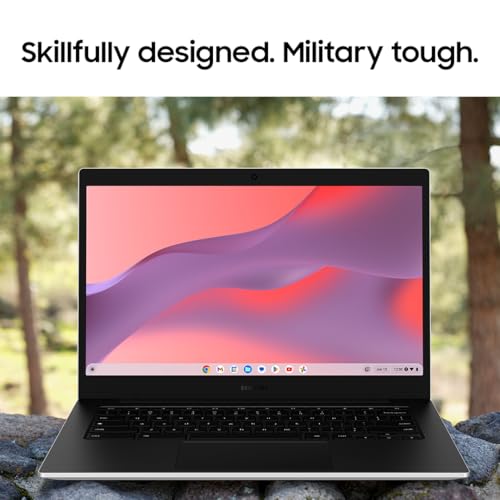
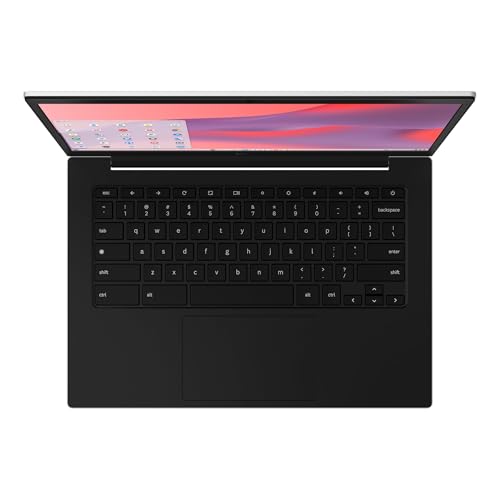
For users who require a more basic computing experience, Samsung's Chromebook options provide a lightweight alternative. These devices typically focus on web-based applications and may be suitable for users who primarily use cloud services. Consider the intended use of the notebook to determine the best operating system and software features that meet specific needs.
Footnotes
* Terms such as "best" and similar expressions reflect our personal assessment.
** Prices and availability may have changed since they were last retrieved. The price shown by the seller at the time of purchase applies.
Further important information
We may receive a commission if you make a purchase via the links on our site. This has no impact on the placement of the products on our site. Our website is part of amazon associates program - Amazon, Amazon Prime, the Amazon Logo and Amazon Prime Logo are registered trademarks of Amazon, Inc. or its affiliates. Disclaimer: